How to use teacher exercise customizer
A teaching link should preserve a task’s parameters without exposing a pupil’s identity. Choose a notation exercise, clef, low and high written notes, chord qualities and number of questions. Generate the URL and place it in your learning platform or lesson notes. Opening it restores that configuration; it starts a newly randomized set rather than revealing a fixed answer key. Learners can download a completion receipt showing their first-answer score and configuration. The receipt is self-reported browser data, not an independently verified grade.
Try a concrete example
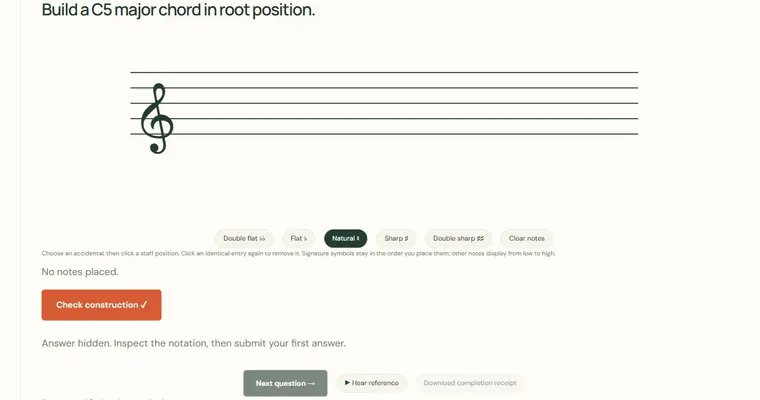
Choose chord construction, treble clef, C4–C6, major and minor, and ten questions. Each student receives the same constraints but a fresh random set. No name, email or account is required.
Make a small practice task
Open your generated link in a separate tab before assigning it. Confirm the range fits the requested chord or scale and explain how you want students to report completion.
Read the result carefully
Uses equal temperament and explicit written pitches. No account, teacher identity verification, secure exam proctoring or guarantee of learning. Local records and result receipts are editable by the device owner.
Work with the controls
- Choose a notation exercise, clef and range
- Select chord qualities and 1–50 questions
- Create and copy a teaching link
- Open a fresh random set under those constraints
- Inspect a self-reported JSON receipt and its checksum
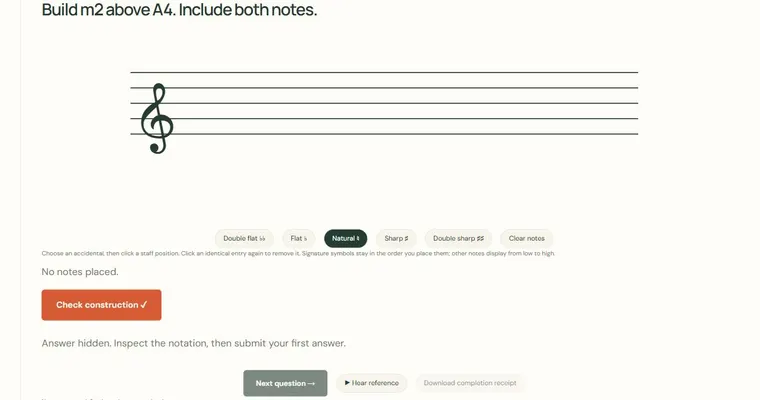
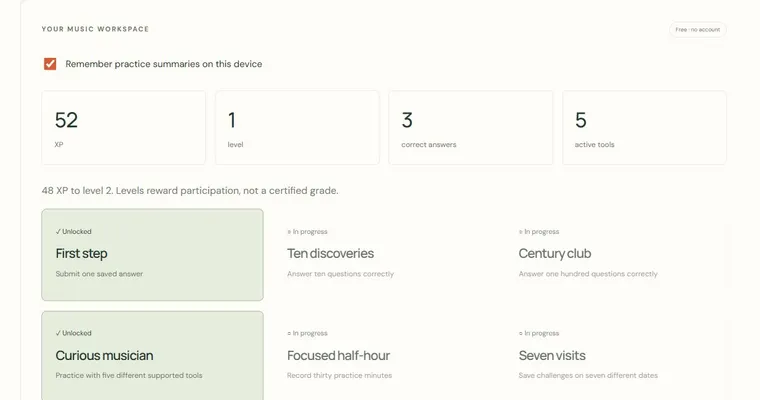
Use a short, repeatable task. Configuration links preserve the visible parameters and start a fresh session rather than sharing private scores. In an exercise, submit one first answer, inspect the revealed spelling and choose Next question. A completed set offers a self-reported receipt. Diagram exports and achievement summaries have their own controls above; they do not evaluate an acoustic performance.
Use the connected resources below to move from this experiment to a specific chord, scale or listening task. A diagram identifies pitches; a generated example gives you something to inspect and adapt. Neither is a prescribed fingering or an assessment of your physical technique.