Make polyrhythm explorer part of your practice
The Polyrhythm explorer lets you hear two evenly divided pulse streams running over the same four-beat cycle. Its default setting, 3 against 2, places three upper hits and two lower hits inside the same span, so you can hear how two different subdivisions relate to one shared starting point. It is a listening and counting aid for one finite example, not a test of your tapping and not a continuous loop.
What the result shows
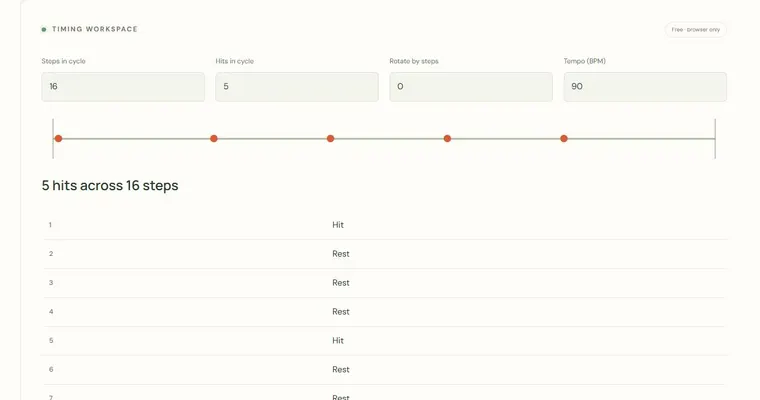
Both streams cover the same four quarter-note beats, but they divide that time differently. The upper stream uses the Upper hits per cycle value, and the lower stream uses the Lower hits per cycle value. Each stream's hits are evenly spaced across the cycle. The diagram puts both on one timeline, and the upper stream is marked with a higher tone while the lower stream is marked with a lower tone. Where the two streams start together at beat zero, they coincide, and the diagram makes the remaining positions visible so you can see where the streams drift apart and where they meet again.
Why this helps your ear
Both streams sound together. Focus your attention on the lower tone, then the upper tone, while keeping track of the same four-beat cycle. There are no separate solo controls. The MIDI export stores both pitch-coded streams on one track, so a compatible editor can distinguish their high and low note events.
What the tool does not do
The explorer plays one finite four-beat demonstration. It does not loop automatically, does not listen to you, and does not score your performance. Setting both counts to the same number produces unison streams rather than a contrasting polyrhythm, which is useful as a check but is not the same musical idea. Tempo is set in beats per minute, and changing it changes how quickly the cycle passes.
Try it step by step
- Set Upper hits per cycle and Lower hits per cycle to values between 2 and 9, starting with 3 and 2.
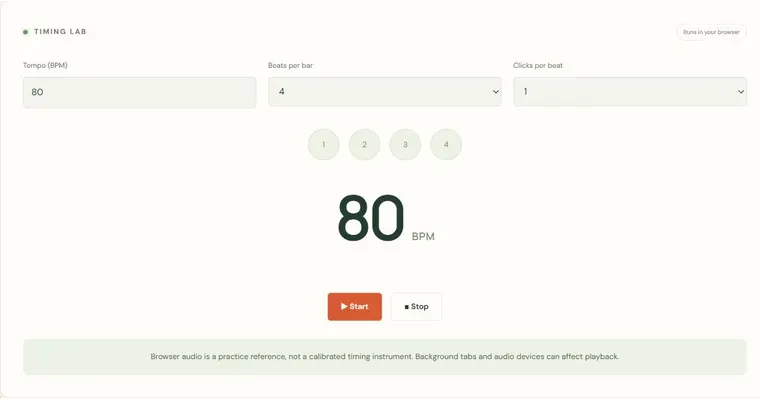
- Set Tempo (BPM) between 30 and 240, beginning near 90 BPM.
- Listen to the example, following each stream separately and then together, counting the four-beat cycle aloud.
- Tap or count the lower stream at a physical instrument or in a separate app while listening to the upper stream, then compare where the streams meet.
A concrete example
With 3 against 2, the upper hits fall at beats 0, 1⅓ and 2⅔, and the lower hits fall at beats 0 and 2. The streams coincide at beat 0 and again at the start of the next four-beat cycle.
A common wrong turn
Counting only whole beats and assuming hits that fall between them are missing.
Try this instead: Subdivide the four-beat cycle into twelve equal parts so that each quarter note equals three parts; place upper hits every four parts and lower hits every six parts.
Where to go next — and why
This guide was drafted with Claude Haiku and edited against this tool’s implemented controls. Report a confusing instruction or incorrect example.