Rhythm & tempo tools
Build a steadier pulse, compare subdivisions and turn an idea into a playable pattern.
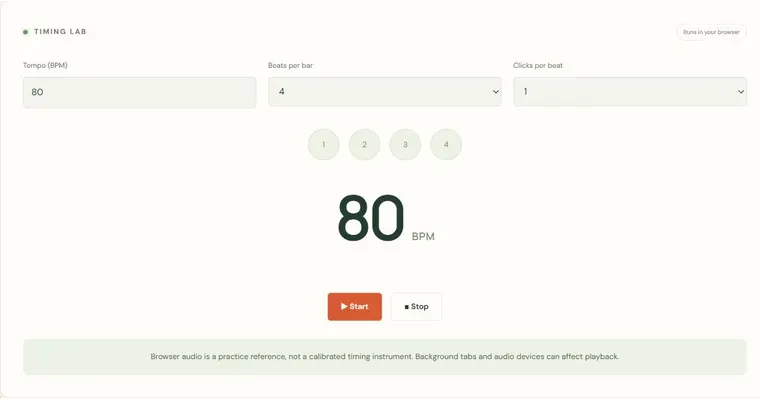
Metronome
A steady pulse with bar accents and subdivisions.
Open tool & guide →Timing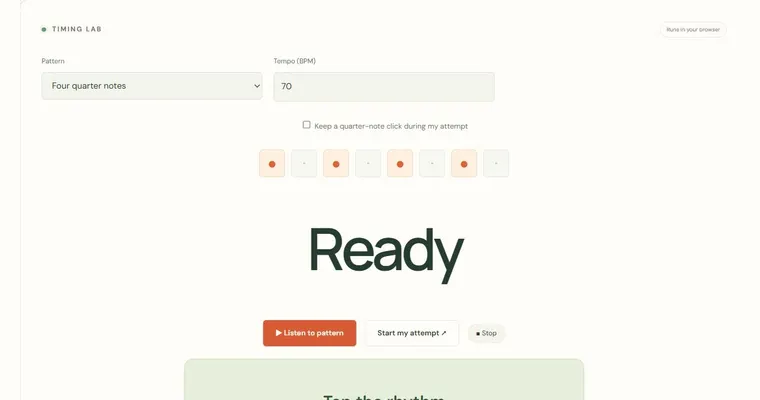
Rhythm echo
Listen to a short rhythm, then tap it back.
Open tool & guide →Timing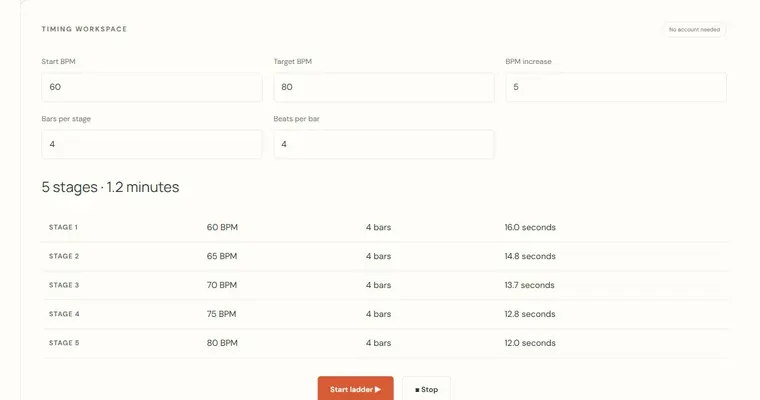
Tempo ladder trainer
Increase a metronome tempo automatically after a chosen number of bars.
Open tool & guide →Timing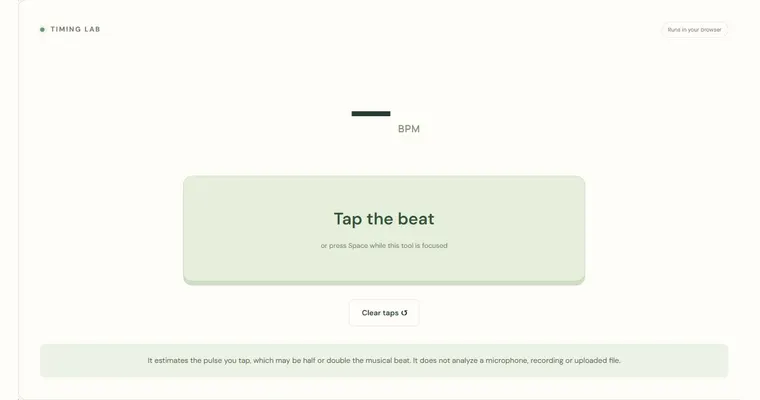
Tap tempo
Tap along to a song and estimate its tempo.
Open tool & guide →Timing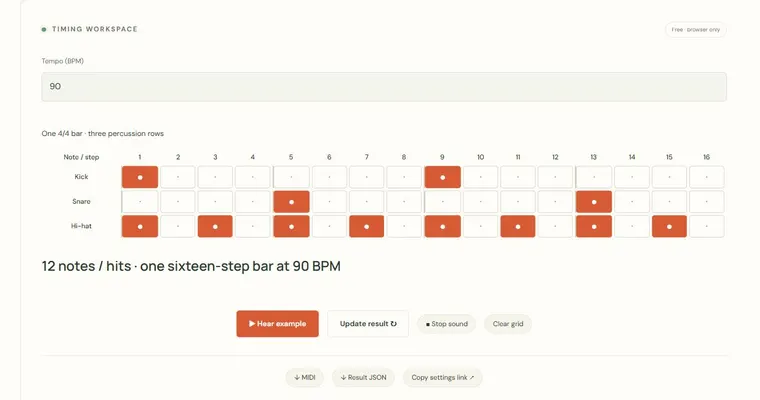
Sixteen-step drum sketchpad
Program kick, snare and hi-hat patterns on a shared beat grid.
Open tool & guide →Timing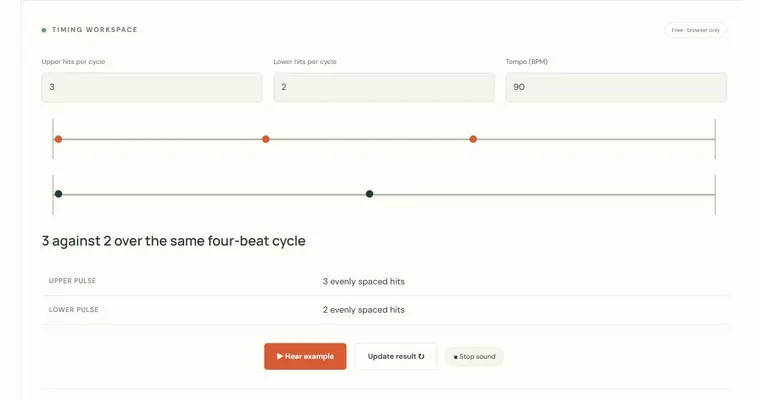
Polyrhythm explorer
Hear two evenly divided pulse streams over the same cycle.
Open tool & guide →Timing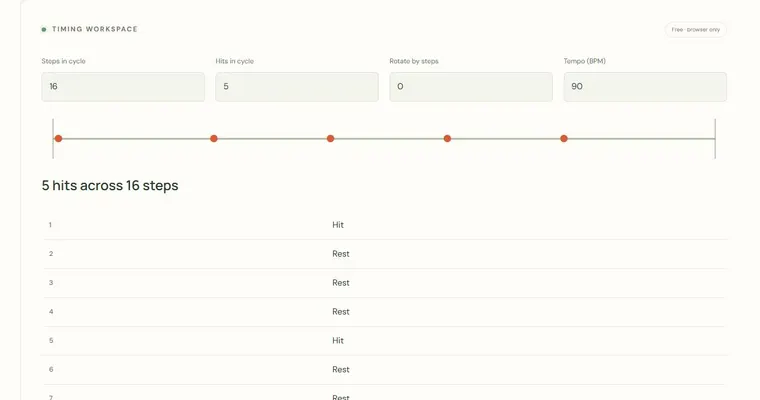
Euclidean rhythm generator
Distribute a chosen number of hits across a rotating step cycle.
Open tool & guide →Timing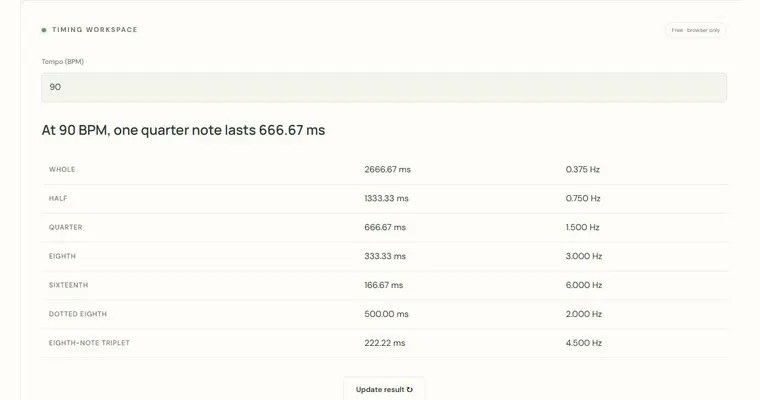
Tempo, note length & delay calculator
Convert a tempo into note durations and repetition rates.
Open tool & guide →Choose the next useful question.
Start by finding a pulse you can maintain comfortably. A metronome supplies a reference; tap tempo estimates the speed you already hear. Rhythm echo asks you to reproduce a supplied pattern, while the tempo ladder increases speed after a chosen number of bars. These tasks answer different questions, so compare one setting at a time. For composition, move into a drum grid, polyrhythm or Euclidean pattern and inspect the resulting hits before exporting them. Browser timing is useful for practice, but it is not a laboratory measurement of performance.
Each linked workspace has its own example, controls and limitations. Keep the first set short enough to inspect every answer. When a result is surprising, connect it to a reference diagram or write the same pattern yourself before increasing difficulty. The aim is a repeatable observation you can take to an instrument, not a larger score without understanding.
Explore a related area
Theory reference room · Printable piano books · Resources for teachers