Make tempo, note length & delay calculator part of your practice
This calculator turns a tempo in beats per minute into the length of common note values and their repetition rates. It is useful when you want to know how long a quarter, eighth or triplet lasts before you play, set a tempo-synchronized delay on a device or app, or line up a sequencer grid with the pulse you have in mind. The BPM field counts quarter notes, and the default is 90 BPM.
What the duration values mean
Tempo is a rate, and note length is a duration. At a quarter-note beat, one quarter note lasts 60,000 ms divided by BPM. At 90 BPM that is 60,000 / 90, about 666.67 ms. Other values scale that result: an eighth note is half a quarter, so about 333.33 ms at 90 BPM; a dotted eighth is three quarters of a beat, about 500 ms; and an eighth-note triplet is one third of a beat, about 222.22 ms. Rests use the same durations as notes, so a quarter rest at 90 BPM is also about 666.67 ms of silence.
What the Hz column means
The table also lists repetition frequencies in hertz. This is the number of events per second, which is the reciprocal of the duration in seconds. At 90 BPM a quarter note repeats 1.5 times per second. This figure describes how often a pulse or delay repeat occurs. It is not the pitch of a note, and it does not describe the frequency of any instrument. Pitch is a separate property, based on how many cycles per second a sound wave completes, and it is not set by this tool.
Why this helps your playing and programming
Knowing durations in milliseconds lets you check a delay setting against the groove you want, or confirm that a sequencer step lines up with a beat. Pulse subdivisions matter here too: dividing a beat into two equal parts gives eighths, three equal parts gives triplets, and four gives sixteenths. A tool like this helps you see those divisions as numbers rather than guessing. Remember that the calculator does not check your playing; it only gives reference values.
Try it step by step
- Enter your tempo in the Tempo (BPM) field, within 30 to 240.
- Change the BPM to a second value, predict the new quarter-note duration, then check the table.
- Read the eighth, dotted eighth and triplet durations and note how each relates to a quarter.
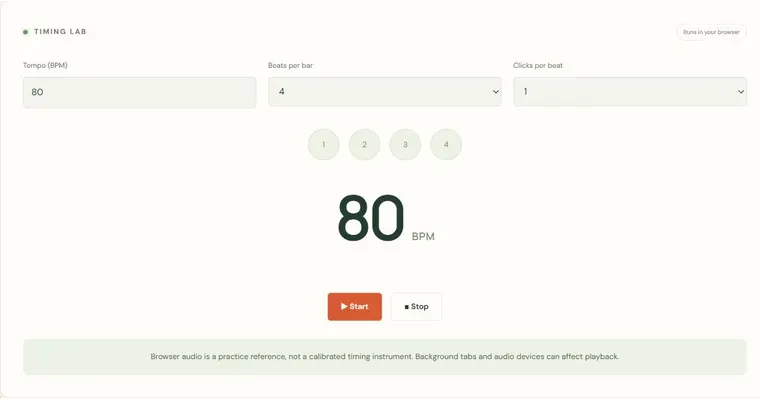
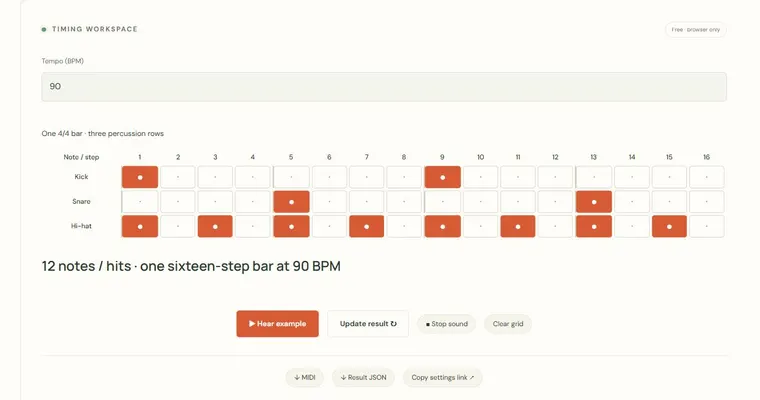
- Use the Metronome and Sixteen-step drum sketchpad to hear the same tempo, and practise with a physical instrument or your own app.
A concrete example
At 120 BPM a quarter note lasts 500 ms, an eighth 250 ms, a dotted eighth 375 ms and an eighth-note triplet about 166.67 ms. The quarter-note repetition rate is 2 Hz.
A common wrong turn
Assuming BPM describes every note value, or confusing the Hz repetition rate with pitch.
Try this instead: BPM counts quarter notes only, so convert first when the beat is a dotted quarter or another value. Hz here means events per second, which is separate from the pitch of a sound.
Where to go next — and why
This guide was drafted with Claude Haiku and edited against this tool’s implemented controls. Report a confusing instruction or incorrect example.