Music generators & composition tools
Sketch a melody, sequence a rhythm, export accompaniment or make a teaching image.
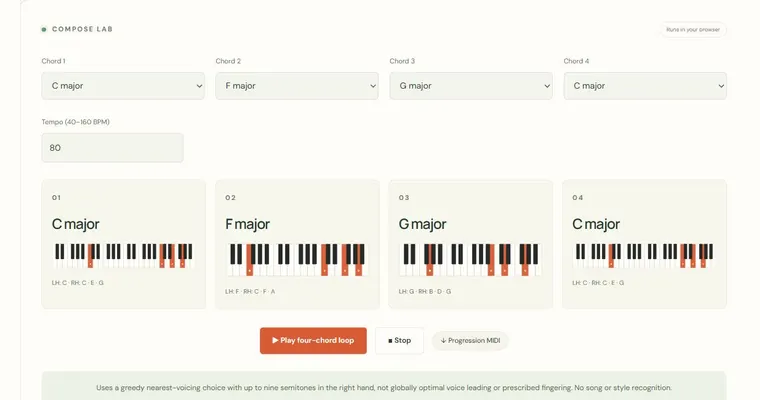
Progression builder
Build a four-chord loop with compact upper voicings.
Open tool & guide →Compose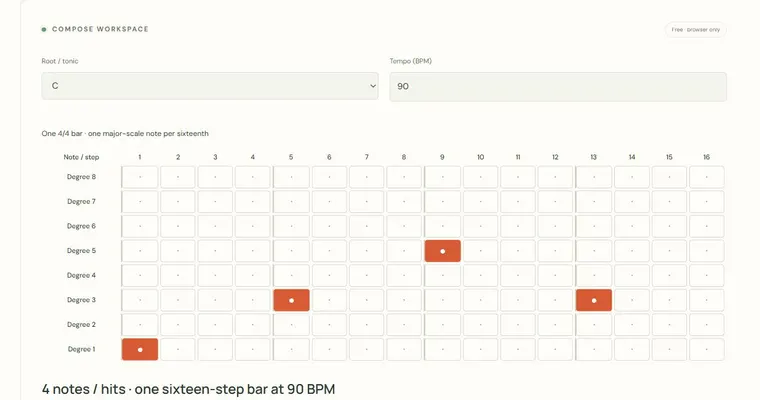
Sixteen-step melody sequencer
Draw a sixteen-step melody, hear it and export its MIDI.
Open tool & guide →Compose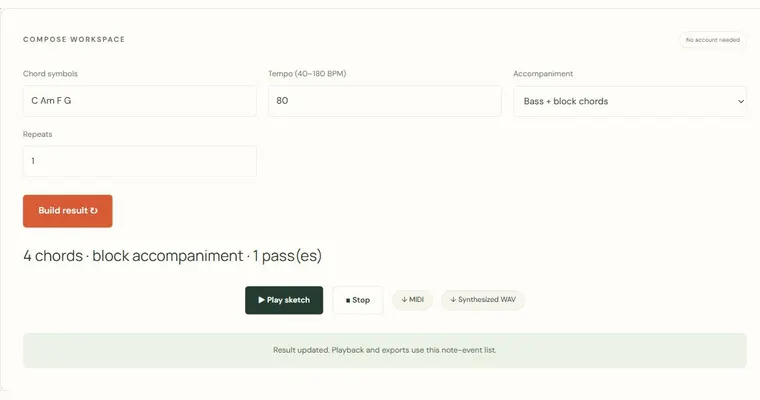
Backing track & MIDI generator
Generate a bass-and-chord accompaniment and export MIDI or synthesized WAV.
Open tool & guide →Compose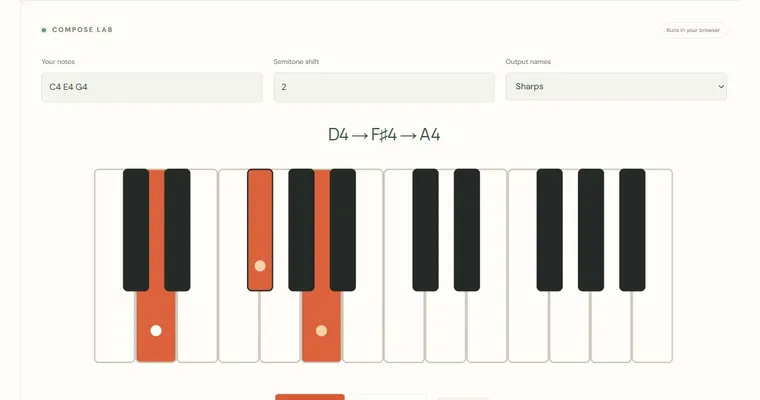
Note transposer
Move a phrase to another register or key by semitones.
Open tool & guide →Compose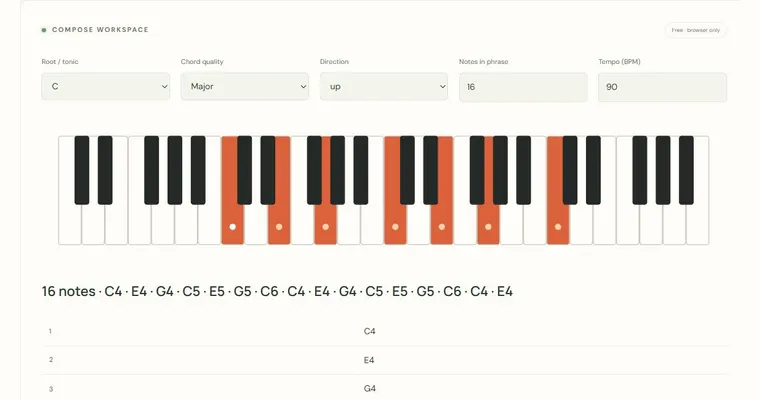
Arpeggio generator
Create ascending, descending or returning two-octave chord patterns.
Open tool & guide →Compose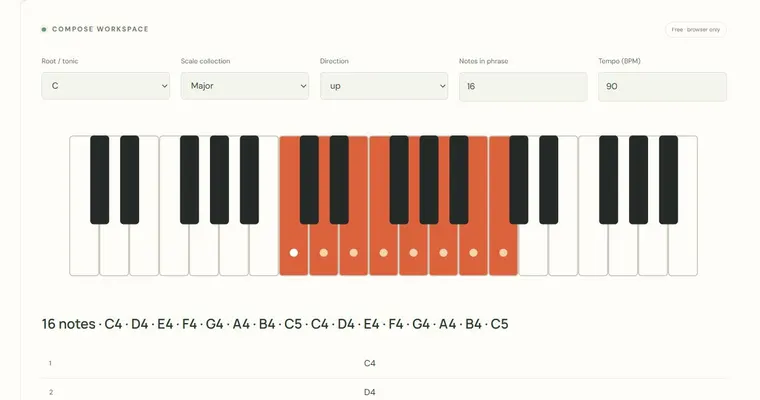
Scale pattern sequencer
Turn a scale collection into a timed ascending or returning phrase.
Open tool & guide →Compose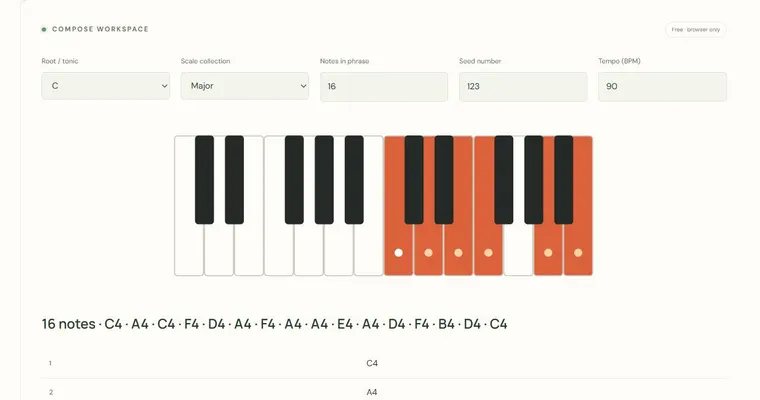
Seeded melody generator
Create a reproducible short phrase from a chosen scale collection.
Open tool & guide →Compose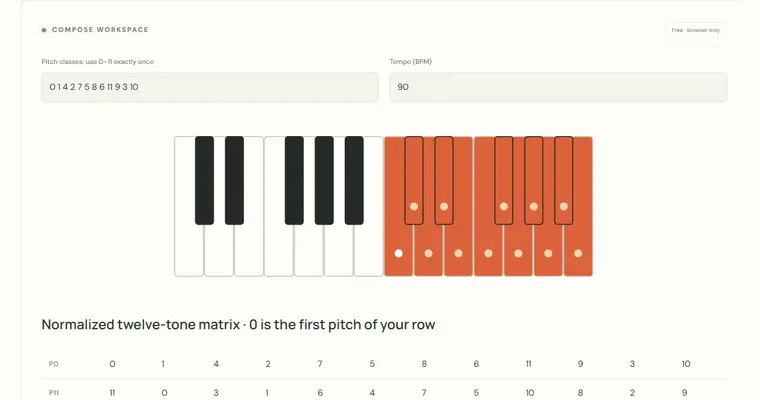
Twelve-tone matrix calculator
Generate normalized prime, inversion and retrograde row relationships.
Open tool & guide →Compose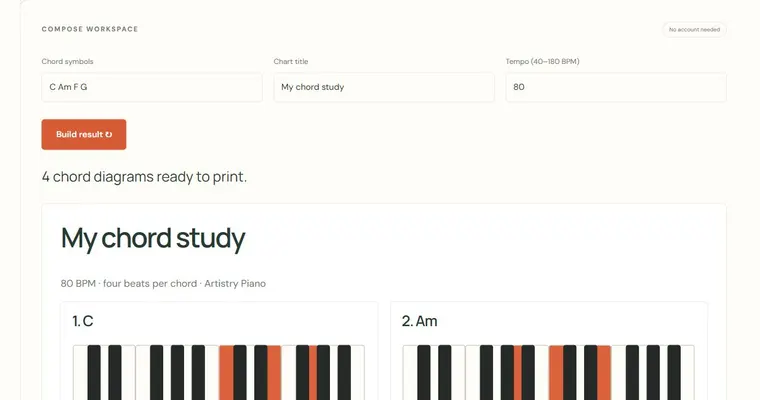
Chord chart & lead-sheet generator
Turn a chord progression into a printable chart with piano diagrams.
Open tool & guide →Compose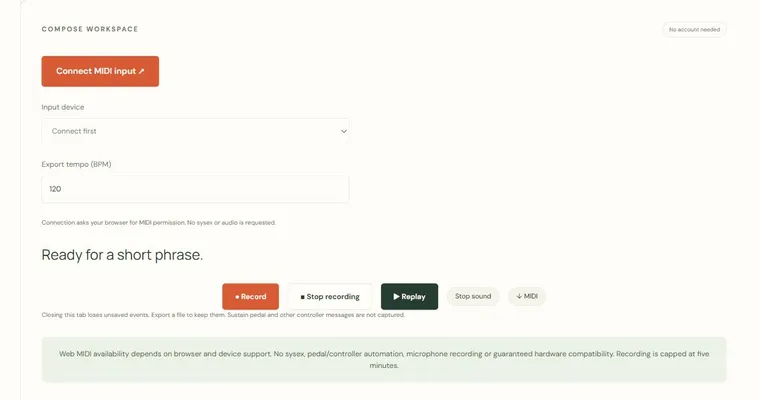
MIDI keyboard recorder
Capture note events from a MIDI input, replay them and export a .mid file.
Open tool & guide →Compose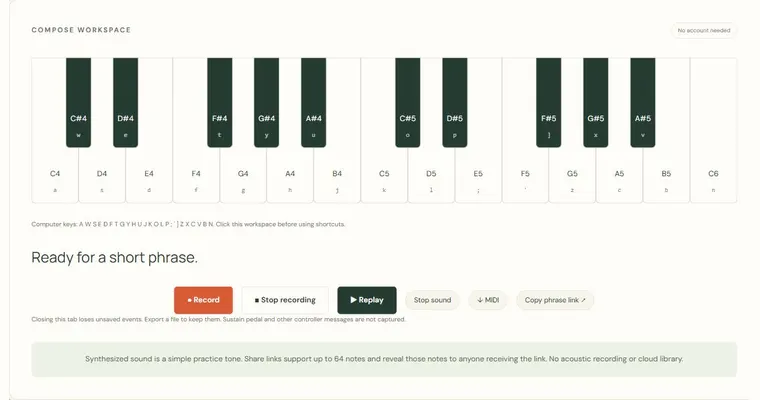
Virtual piano & phrase recorder
Play screen or computer keys, record note durations and share a short phrase.
Open tool & guide →Compose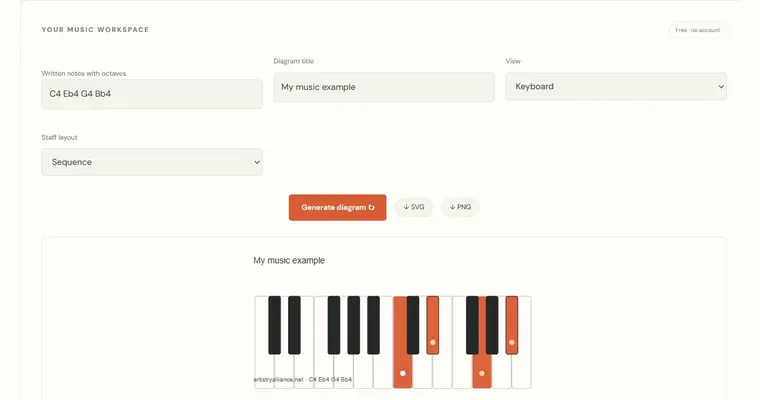
Custom keyboard & staff diagram generator
Turn any written-note collection into downloadable SVG or PNG teaching diagrams.
Open tool & guide →Choose the next useful question.
A generated phrase is a starting point for editing. Keep a simple root and tempo, change one pattern parameter and compare its event list or sound. The melody sequencer uses sixteen time columns and eight pitch rows, so those two numbers describe different dimensions. Backing sketches add a sustained bass and upper chord pattern, with finite MIDI and synthesized WAV exports. The diagram generator serves a different purpose: it produces static SVG and PNG illustrations from your own written notes. Shared links preserve supported settings without creating a cloud project.
Each linked workspace has its own example, controls and limitations. Keep the first set short enough to inspect every answer. When a result is surprising, connect it to a reference diagram or write the same pattern yourself before increasing difficulty. The aim is a repeatable observation you can take to an instrument, not a larger score without understanding.
Explore a related area
Theory reference room · Printable piano books · Resources for teachers