Make chord chart & lead-sheet generator part of your practice
The Chord chart and lead-sheet generator turns a short list of chord symbols into a printable page with a title, a tempo marking and one piano diagram per chord. It is a reference sheet for playing chords at a keyboard or instrument, not an engraved melody score. Use it when you want to see the actual pitches behind symbols like C, Am, F and G while you play, and when you want a clean printout for a music stand.
What the chart shows
Each chord symbol is paired with a piano diagram showing which keys form that chord. A symbol such as Am names a chord quality and a root, but the diagram makes the actual pitch classes visible. The sheet has no melody staff, no rhythm notation and no lyrics, so it tells you which chords to hold, not how long to hold them or where the melody goes. The title and tempo are labels for your reference; they do not drive any sound on the printed page.
Why the diagrams help
Seeing the notes of a chord beside its symbol builds a direct link between spelling and sound. Chords in equal temperament share the same pitch-class pattern in every key, so once you can find a major triad from its root, you can move the same shape to other roots by counting semitones. A useful habit is to check each diagram against its symbol: C major is built from C, E and G, while A minor is built from A, C and E. If the diagram and the symbol disagree, the chord symbol or your entry is the place to look.
Using the chart with other tools
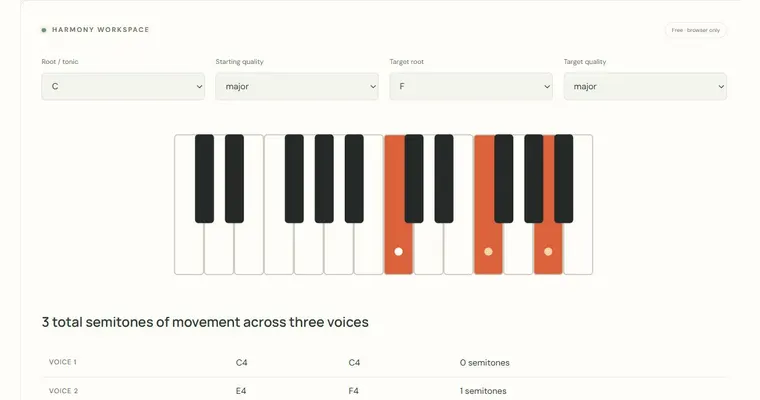
The chart is most useful as a starting point for comparing chords. Neighboring diagrams often share one or more pitches, and noticing those shared notes is an early form of voice-leading awareness. For deeper study, the connected tools cover related tasks, described in the next steps below. Any activity that requires a real instrument, such as trying a voicing under your hands, should be done at the piano or your own instrument, since the chart does not assess technique. Playing the chart is a separate matter. Audio and MIDI are available for finite examples or explicitly requested previews, and any playback happens only when you choose it.
Try it step by step
- Enter up to sixteen chord symbols in the progression field, separated by spaces, for example C Am F G.
- Type a title for the sheet and set the tempo value, such as 80 BPM, so the printed page shows the intended speed.
- Generate the chart and check that each chord has its own diagram; compare the highlighted keys with the chord name, such as F A C for F major.
- Open the print view, check the paper size and scaling in your browser's print dialog, then print the page or save it as a PDF to use on your music stand.
A concrete example
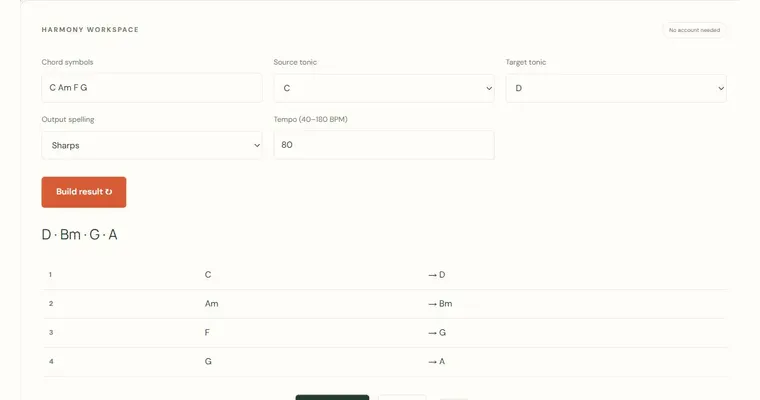
Enter C Am F G, title the sheet First four-chord study and set 80 BPM. The diagrams identify C–E–G, A–C–E, F–A–C and G–B–D. C major and A minor share pitch classes C and E, but the chart does not choose a common-tone voicing or guarantee that they appear in the same octave. Use the voice-leading calculator to compare a specific register connection.
A common wrong turn
Assuming that the printed chord chart supplies melody notation, lyrics or the exact rhythm of a song.
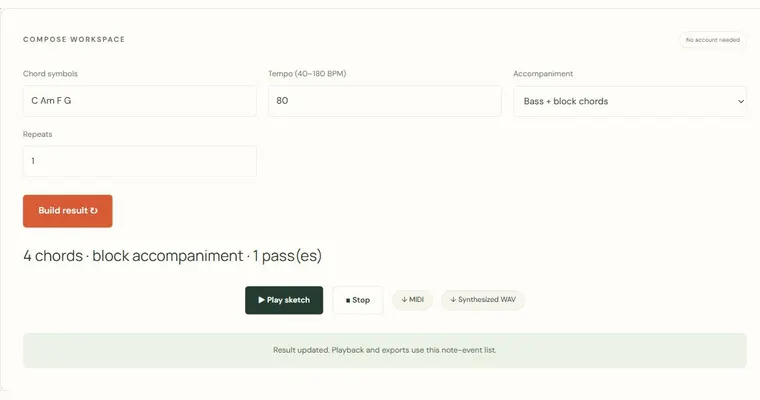
Try this instead: Treat the PDF as a chord reference with diagrams. The on-page audio and MIDI preview give each chord four beats at the selected tempo; the printed page itself is not playable audio or a complete rhythmic score.
Where to go next — and why
This guide was drafted with Claude Haiku and edited against this tool’s implemented controls. Report a confusing instruction or incorrect example.