Make chord progression transposer part of your practice
The Chord progression transposer moves every chord root and slash-bass note by the same number of semitones, so a progression keeps its internal relationships while changing key. Use it when you want the same harmonic motion in a different register or a different key, and when you need the transposed chord symbols checked before you play them on a physical instrument or import the exported MIDI into an external app.
What the result means
Each chord root and slash-bass note shifts by the same interval. In the example C to D, every note moves up two semitones: C becomes D, A becomes B, F becomes G, and G becomes A. Chord qualities are preserved, so a minor chord stays minor and a dominant seventh stays a dominant seventh. The progression's distances between chords remain the same, which is why the harmonic function survives the move.
Why it helps
Transposing lets you test a progression in a key that suits a singer's range or a particular instrument without rewriting each chord by hand. Because the tool changes only roots and slash basses, you can compare the original and transposed sequences chord by chord and confirm that the relationships you intended are still present. Remember that the tool needs an explicit source tonic: the first chord of a progression is not necessarily its tonic, so enter the key you actually mean. Chords with the same symbol in both keys are not always the same notes, because the transposed sequence is simply shifted in equal temperament.
How the spelling works
Output spelling is chromatic rather than a full key-aware engraving system. Choose sharp or flat output to match your preference. Sharp spelling turns C/E into D/F#, while flat spelling would use Gb for the same pitch class in some contexts. The tool does not infer the key from sound, so check spellings that matter to your reading.
Try it step by step
- Enter the chord symbols of the progression in the chord-symbol input, keeping any slash-bass notes.
- Set the source tonic explicitly to the key you intend, not simply the first chord.
- Set the target tonic, leave the source tonic unchanged, and choose sharp or flat output.
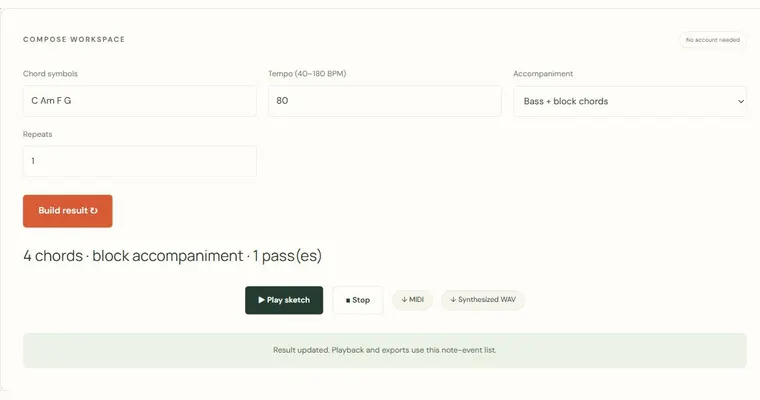
- Compare each transposed root against its original to confirm the interval is the same across the progression, then use Play to hear the transposed sequence and Export MIDI when the result is correct.
A concrete example
Source key C, progression C Am F G, target D. The interval C to D is two semitones, so C becomes D, A becomes B, F becomes G, and G becomes A, giving D Bm G A. With sharp spelling, C/E becomes D/F#, since E moves up two semitones to F#.
A common wrong turn
Entering the first chord as the source tonic when the progression begins on a non-tonic chord, so the whole sequence is shifted by the wrong interval.
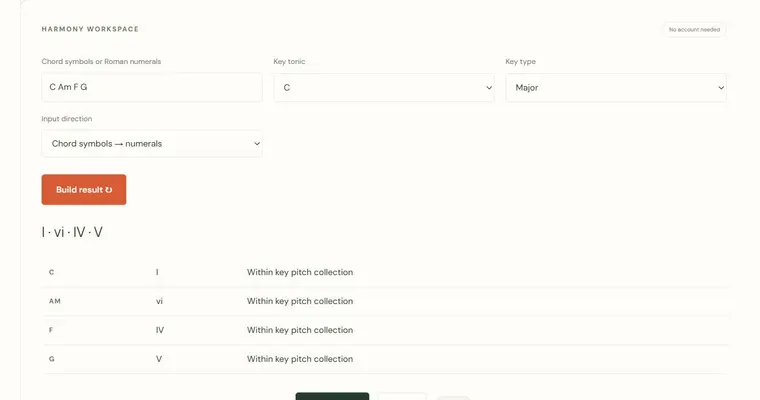
Try this instead: Decide the source tonic deliberately, enter it explicitly, and check the chord functions with the Chords to Roman numerals tool before transposing.
Where to go next — and why
This guide was drafted with Claude Haiku and edited against this tool’s implemented controls. Report a confusing instruction or incorrect example.