Make backing track & midi generator part of your practice
The Backing track and MIDI generator builds a bass-and-chord accompaniment from a chord-symbol progression. Use it as a harmonic frame for practicing a melody: the chords stay fixed while you change the accompaniment pattern, and you play your own melody over the result. Each chord lasts four quarter-note beats, so a four-chord progression at a given tempo gives a predictable loop length.
What the result means
Every chord in the progression occupies four quarter-note beats. The generator places a low bass note and an upper chord pattern for each chord symbol. Playback and MIDI or WAV exports all come from the same generated event list, so what you hear is what you export. The WAV file is a synthesized tone rendered in the browser, not a sampled band recording, so treat it as a simple reference rather than a finished production.
Why it helps
Practicing a melody over a steady harmonic frame lets you hear how each note relates to the chord underneath. When the chord changes every four beats, you can check whether your phrases land on chord tones at the moments the harmony moves. Keeping the progression fixed while changing only the pattern (block, offbeat or arpeggiated) also isolates the effect of rhythm and texture, which makes comparisons easier to hear.
Limits to keep in mind
A sketch is limited to 90 seconds. The generator supplies exact note events, a steady grid and synthetic sound rather than samples, expressive performance or song recognition. Repeats is the number of complete passes: one means play the sequence once, two means twice. Block chords begin together; the offbeat pattern places upper chord hits halfway between quarter-note beats; the arpeggio spreads upper notes across half-beat starts. A sustained bass anchors each four-beat chord.
Try it step by step
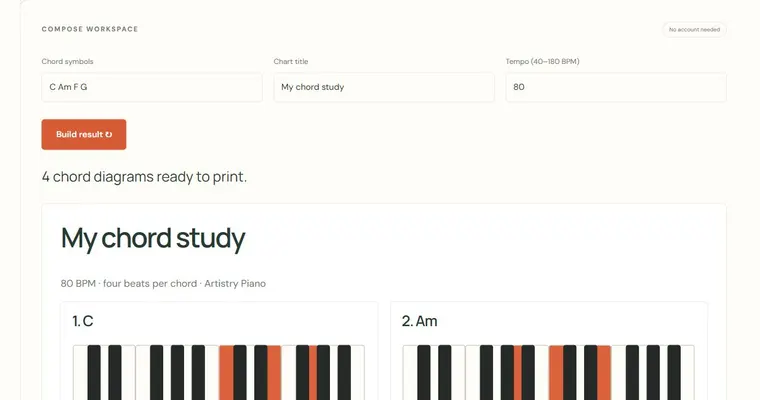
- Enter the chord symbols in order, for example C Am F G. Each symbol will last four beats.
- Set the tempo and the number of repeats, keeping the total within the 90-second limit.
- Choose a pattern: block for simultaneous chords, offbeat for chord hits between beats, or arpeggio to spread the chord notes across time.
- Play the sketch, then change only the pattern and play it again with the same progression. Export MIDI for further editing or WAV for a simple audio reference.
A concrete example
C Am F G at 80 BPM has sixteen quarter-note beats in one pass. Its nominal duration is 16 × 60 / 80 = 12 seconds. Set Repeats to 1 for one pass or 2 for two passes, about 24 seconds. The audio file can include a small rendering tail. Change only the accompaniment style to compare block chords, eighth-note offbeats and arpeggios over the same roots.
A common wrong turn
Assuming a changing pattern means the harmony changed. Only the texture was altered; the chord symbols stayed the same.
Try this instead: Keep the progression field unchanged between comparisons and listen only for differences in rhythm and spacing.
Where to go next — and why
This guide was drafted with Claude Haiku and edited against this tool’s implemented controls. Report a confusing instruction or incorrect example.