How to use custom keyboard & staff diagram generator
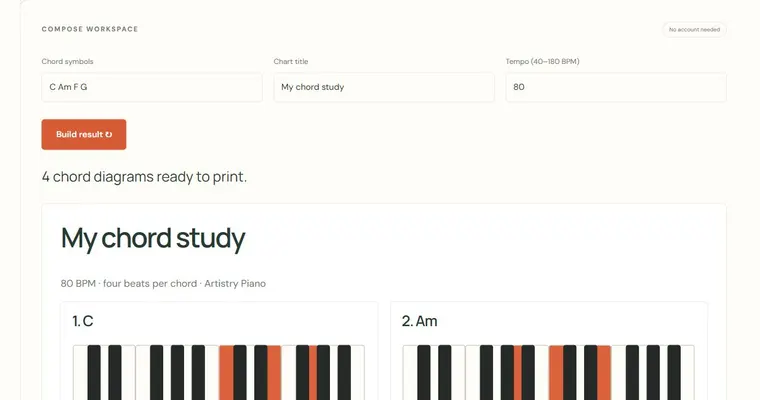
Enter written pitches with octaves, choose a keyboard or staff view, then generate your own diagram. A staff diagram keeps the accidentals and letter positions you enter; the keyboard highlights sounding pitches instead, so enharmonic notes can occupy the same key. Use SVG when you need scalable line art and PNG for presentation or image workflows. Titles and source credit are included in the image. Exported pictures are static illustrations, not recordings or automatically graded exercises.
Try a concrete example
Enter C4 Eb4 G4 Bb4, select treble staff and a stacked chord layout. Compare that image with the keyboard version to show how C minor seventh is spelled and where its pitches lie.
Make a small practice task
Create two images differing by one note. Ask a learner to describe the structural change before listening to it on the piano.
Read the result carefully
Uses equal temperament and explicit written pitches. No account, teacher identity verification, secure exam proctoring or guarantee of learning. Local records and result receipts are editable by the device owner.
Work with the controls
- Enter 1–16 written notes with octaves within three octaves
- Choose keyboard, treble or bass view
- Choose sequence or chord-stack layout on a staff
- Generate, inspect, then export SVG or PNG with source credit
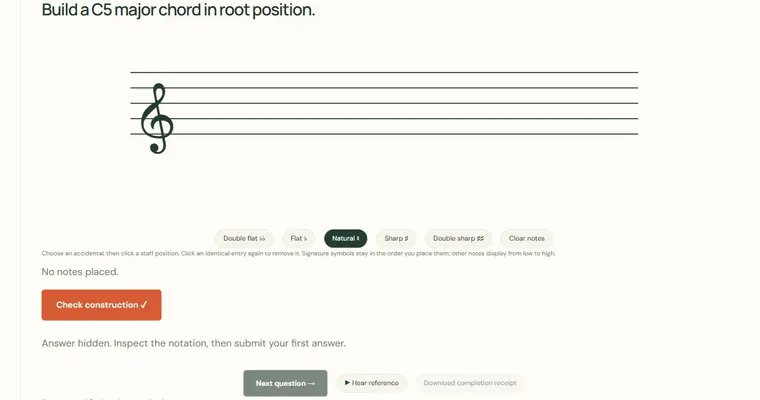
Use a short, repeatable task. Configuration links preserve the visible parameters and start a fresh session rather than sharing private scores. In an exercise, submit one first answer, inspect the revealed spelling and choose Next question. A completed set offers a self-reported receipt. Diagram exports and achievement summaries have their own controls above; they do not evaluate an acoustic performance.
Use the connected resources below to move from this experiment to a specific chord, scale or listening task. A diagram identifies pitches; a generated example gives you something to inspect and adapt. Neither is a prescribed fingering or an assessment of your physical technique.