Make printable staff paper generator part of your practice
The Printable staff paper generator gives you blank five-line staves that you can print or save as a PDF. Use it to jot down an observation, sketch a short melody or prepare a lesson example on paper. Nothing is recorded in an account, and the generator does not write notes for you.
What the staff count and spacing mean
Every staff has five lines. Choose 2–12 staves and 6–16 px preview spacing. Wider spacing gives more room for labels. The print stylesheet bounds spacing at the largest settings to keep the sheet practical, but printer margins, paper size and browser scale still affect pagination. Inspect print preview rather than assuming that every combination produces an identical physical size.
Why blank staff paper helps
Writing by hand forces you to decide on pitch, rhythm and spelling explicitly, which makes gaps in understanding easier to spot. A blank staff is a good place to sketch a pattern, compare two ideas side by side or prepare a short example for a student. Because the page is only writing space, the printed version omits site navigation and interactive controls, so you can focus on the notation itself.
How to use the printed sheet
Treat the sheet as a working document rather than a finished score. The generator does not add clefs, key signatures, bar lines or automatic rhythm, so you must add any of these yourself if your exercise requires them. Pitch and rhythm are separate decisions: a rest marks silence for a duration, a pulse subdivision sets how the beat divides, and pitch determines which line or space a note occupies. Keep those three ideas distinct as you write. Write on paper or at a physical instrument, and check sounds on a piano or other instrument you have at hand. The generator does not play audio.
Try it step by step
- Set Number of staves to a count that suits your task, such as 8 for a compact exercise sheet.
- Set Line spacing (px) to 10 for a standard working density, or a larger value if you need room for labels.
- Regenerate the preview, then open the browser’s print dialog and inspect the print preview before printing or saving as PDF.
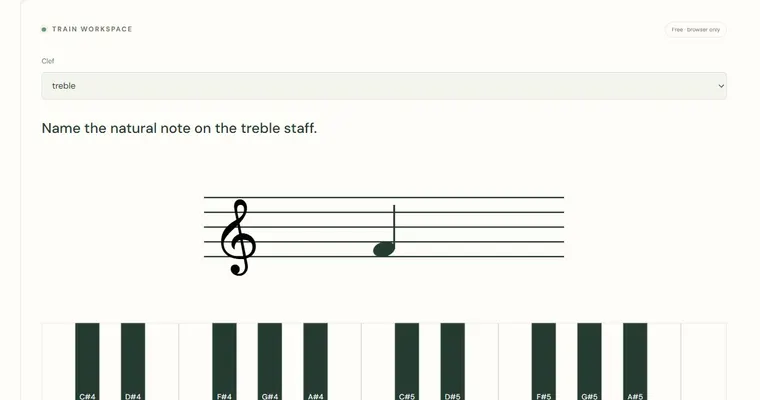
- Write a short pattern on the first staff, leave the next for an answer, and mark one specific question above both, then check pitch names with the Treble & bass staff trainer.
A concrete example
Choose eight staves and ten-pixel spacing. On paper, add a treble clef and write E4, F4, G4 and A4 as quarter notes. Leave another staff for a response. Ask which neighboring intervals are semitones and which are whole tones: E–F is a semitone, F–G and G–A are whole tones.
A common wrong turn
Assuming the printed staff already contains a clef, key signature or bar lines, then writing notes that cannot be read correctly.
Try this instead: Add a clef at the start of each staff you use and mark any key signature and bar lines yourself before writing the music.
Where to go next — and why
This guide was drafted with Claude Haiku and edited against this tool’s implemented controls. Report a confusing instruction or incorrect example.