Make practice planner part of your practice
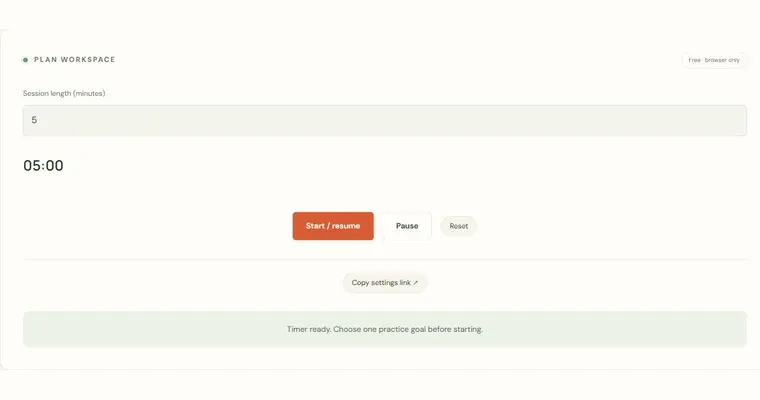
The Practice planner turns the time you have into a short, structured session. You choose a total of 5 to 60 minutes, pick a focus (chord, scale or listening), and the tool divides the session into four tasks whose whole-minute allocations add up to your total. It is a generic template rather than a personalized curriculum, so its value is in giving your practice a clear shape and a visible end point.
What the plan shows you
The four whole-minute allocations always sum to your chosen total. The template gives roughly 20%, 40%, 20% and 20% of the available time to the four tasks, rounding to whole minutes. With 20 minutes this is 4, 8, 4 and 4 minutes. Read the actual task names: the page does not add a separate warm-up or second-repetition block unless the displayed task itself calls for one.
Why a fixed structure helps
Without a plan, sessions often drift toward whatever feels comfortable. A checklist with allocations makes you move on deliberately. Checking off each completed task gives you a simple record for the current session. Keep in mind that completion is self-reported: the tool trusts you to mark tasks honestly, and it does not assess how well you played them.
Choosing a focus
Chord focus uses note finding, a major/minor comparison, listening recall and a contextual progression. Scale focus uses mapping, slow guided playing, semitone listening and making a phrase. Listening focus uses an anchor, phrase copying, removing a hint and reviewing a detail. These tasks link to the separate practice tools; the planner itself does not hear or assess your playing. Save a text plan or use browser print/PDF if you want a copy.
Try it step by step
- Enter your available time, choosing a total between 5 and 60 minutes.
- Select one focus: chord, scale or listening.
- Press Build my session, then read the four tasks and their whole-minute allocations. Confirm that they add up to the chosen total.
- Practice each task at your instrument, then check off each task as you complete it. Download the text plan or print/save it as PDF if you want a copy.
A concrete example
For a 30-minute scale session, the actual template is: Map the pattern — 6 minutes; Play slowly — 12 minutes; Hear small steps — 6 minutes; Make a phrase — 6 minutes. The allocations total 30 minutes. Choose one published scale and follow the displayed task descriptions. Marking a checkbox records your own completion, not a measured result.
A common wrong turn
Treating the allocated minutes as a guarantee of progress, or assuming the planner has checked your playing.
Try this instead: Remember that the plan is a generic template and completion is self-reported. Use the minutes as a schedule, and judge your results by listening to your instrument, not by the checkmarks.
Where to go next — and why
This guide was drafted with Claude Haiku and edited against this tool’s implemented controls. Report a confusing instruction or incorrect example.