Make focused practice countdown part of your practice
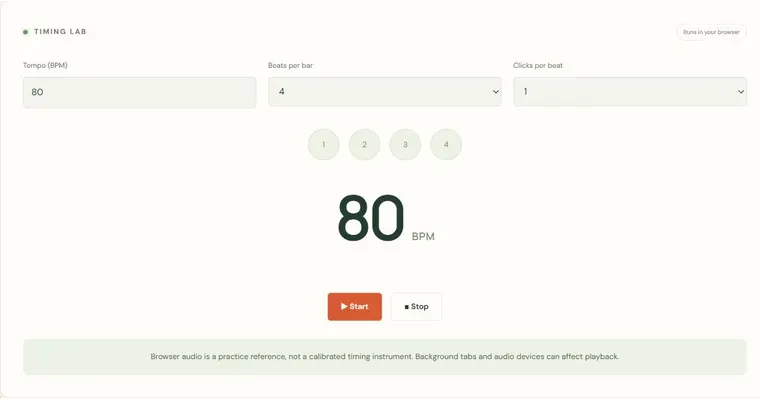
The Focused practice countdown gives a short exercise a clear stopping point. You choose a session length from 1 to 60 minutes, start the countdown, and work on one observable goal until it finishes. The timer is a local tool: it counts down on screen and shows a visual finish message, but the playing itself happens at your instrument or in whatever external app you use.
What the countdown tells you
Zero marks the end of a chosen time block, not proof that an exercise was mastered. While the page is running, the countdown computes remaining time from a monotonic deadline rather than subtracting one second per screen update. Delayed display updates can therefore catch up. This is still a browser timer, not a system alarm: sleep, closing the tab or suspending the app can interrupt it, and completion is shown visually without a promised background notification.
Why a fixed stop helps
Open-ended practice tends to drift into repetition of whatever is easiest. A fixed session forces a boundary, which makes it easier to repeat a single focus, compare two attempts, or stop without guilt. Pause keeps the remaining time, resume continues from it, and reset restores the selected duration, so you can interrupt a session for a real reason without losing the structure you set up.
Keeping the goal observable
A good session goal is something you can check by listening or looking at your instrument. The timer cannot judge whether you succeeded, so write the check in plain words before you begin. Vague goals like practice more produce vague endings; specific goals produce a clear observation you can act on afterwards.
Try it step by step
- Set the Session length (minutes) field to a value from 1 to 60, for example 5.
- Before starting, write the sentence: during this session I will check ___, and keep the goal to one observable thing.
- Start the countdown, use pause to keep remaining time if you need to change the task, and resume or reset as needed.
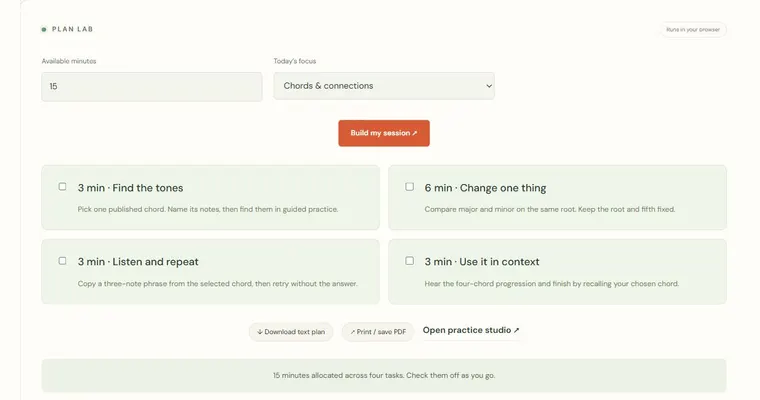
- When the visual finish message appears, stop, write one observation, then choose the next focus in the practice planner or repeat the constraint.
A concrete example
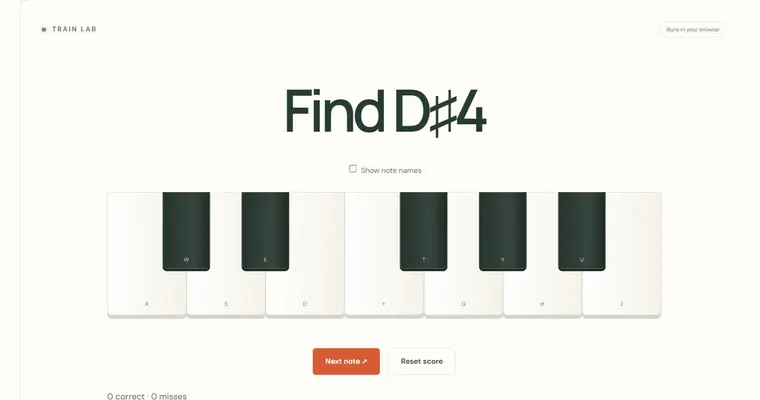
Choose five minutes and work only on finding C–E–G without visual guide lights. C to E is a major third (four semitones), E to G is a minor third (three semitones), and C to G is a perfect fifth (seven semitones). Play this at your instrument, not in the timer, and write one observation when the countdown ends.
A common wrong turn
Treating the finish message as proof of a good session, or starting another exercise immediately without reviewing the first.
Try this instead: Write one observation about what you noticed, then choose the next focus deliberately, either by repeating the same constraint or by planning a different one.
Where to go next — and why
This guide was drafted with Claude Haiku and edited against this tool’s implemented controls. Report a confusing instruction or incorrect example.