Make find the note part of your practice
Find the note is a short drill for locating named pitches on an unlabeled one-octave keyboard. A target note is chosen at random within C4 to B4, and you press the matching key by clicking, touching, or using the letter keys A W S E D F T G Y H U J. The tool checks whether you have memorized where each note lives on the keys, which is a useful foundation for reading music and playing by ear at a physical instrument. It does not test staff reading, ear training, or finger technique, and it cannot tell you how a note should be fingered.
What your result tells you
The counters show total correct answers and misses in the current session. They do not measure response speed or maintain a per-note breakdown. A wrong answer keeps the current target. A correct answer marks it solved and waits for Next note; that button also lets you skip to a new target. If one location repeatedly causes difficulty, record it yourself rather than looking for a per-note report.
Why locating keys helps
Naming a key by sight and sound is the basis for everything else in keyboard work. Knowing that C4 sits at the start of this octave and that the white keys run C, D, E, F, G, A, B makes it easier to connect written pitch names with the physical layout of an instrument. The tool shows only one octave, so the pattern you learn here repeats across the whole keyboard at other registers. Visible note labels can be turned on while you are learning and then left off to test recall.
Sharps, flats and equal temperament
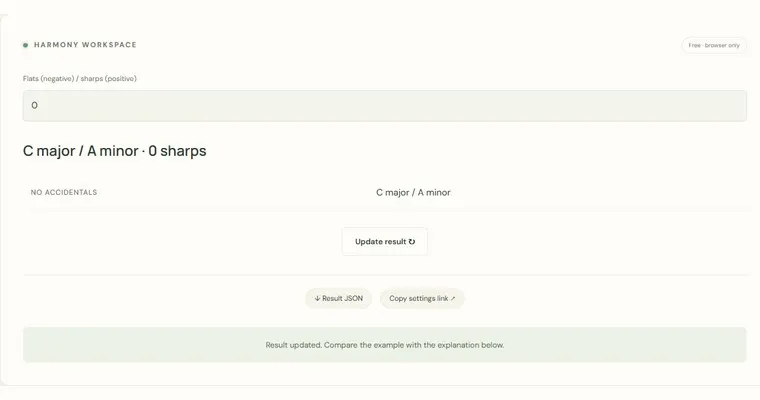
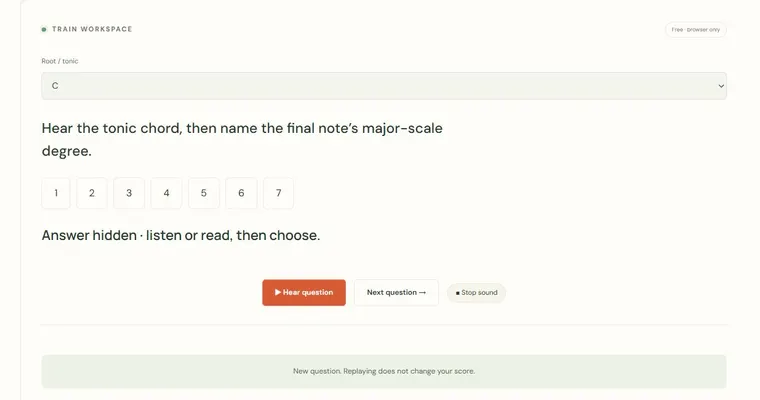
On a piano, the black keys sit between certain white keys and each one can be named two ways: C sharp is the same key as D flat, and F sharp is the same key as G flat. Equal temperament divides each octave into twelve equal semitones, so the keys in this octave form twelve steps: C, C sharp, D, D sharp, E, F, F sharp, G, G sharp, A, A sharp, B. Because the tool allows sharps and flats to share a key, a correct answer does not depend on which spelling you use. The distinction matters more on a staff, which is not tested here. Relative keys are another idea worth knowing before you use related tools. A major key and its relative minor share the same key signature, so C major and A minor both have no sharps or flats. A tonic chord is built on the first degree of the scale, so in C major it is the C major triad. Finding the tonic note on the keyboard is a prerequisite for hearing it as the home base of a melody.
Try it step by step
- Enable Show note names and locate several targets. Use Next note for another random target; random selection does not guarantee that every pitch appears in a fixed number of turns.
- Turn off the labels and work through several targets, using either the mouse or the letter keys A W S E D F T G Y H U J.
- Watch the miss counter and, when a note repeatedly causes a miss, locate it relative to a neighbouring white key before pressing again.
- Write down any locations that caused difficulty, check them with labels visible, then hide the labels again. The tool has no custom subset or per-note score filter.
A concrete example
If the target is F sharp, it is the black key one semitone above F and one semitone below G, which corresponds to the T key. If the target is G flat, the same key counts as correct, because sharps and flats may share a key.
A common wrong turn
Assuming each black key has only one name and rejecting a correct key because its spelling differs from the prompt, such as pressing C sharp when D flat is shown.
Try this instead: Count semitones from the nearest white key. C sharp and D flat are the same key in equal temperament, so the tool accepts either spelling; focus on the physical position.
Where to go next — and why
This guide was drafted with Claude Haiku and edited against this tool’s implemented controls. Report a confusing instruction or incorrect example.