Make tap tempo part of your practice
Tap tempo estimates the speed of music from the median time between your recent taps. Use it when you want a quick tempo number for a song you are learning or arranging, and remember that it measures the pulse you tap, which may be half or double the musical beat.
What the result means
The tool shows a BPM estimate after at least 3 taps. It uses the median interval of the last 16 taps, so a single mistimed tap has less effect than it would with a simple average. A BPM value is the number of beats per minute. Because the tool counts whatever you tap, it does not know whether you are tapping quarter notes, half notes or eighth notes. If the estimate looks like half or double what you expected, your tapping pulse is probably a different level of the meter than you intended, not necessarily an error in the tool.
Why it helps
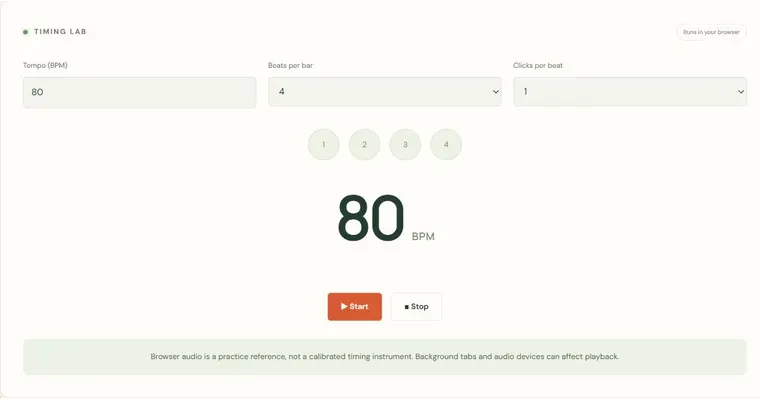
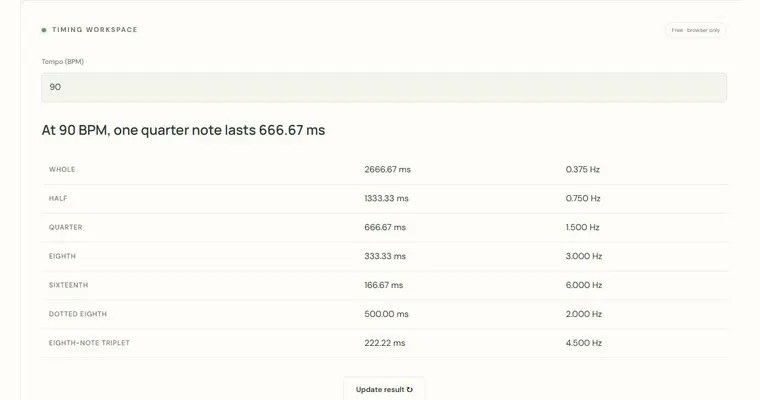
A tempo number gives you a shared reference. You can compare it with a metronome setting, adjust a practice speed, or check how a passage feels against a fixed pulse. The Tempo, note length and delay calculator can then convert that BPM into note durations, which helps you plan subdivisions. Because the BPM there counts quarter notes, a compound-meter dotted-quarter beat needs conversion before you use the value. Tap tempo works best as a starting estimate, not a final verdict.
Limits to keep in mind
The tool does not analyze a microphone, a recording or an uploaded file. It only reacts to your taps, so it cannot listen to a song for you. Your tapping accuracy, your reaction and the rhythm you choose all shape the result. Treat the number as a practical estimate you confirm by ear, and check it against a steady reference before relying on it in performance.
Try it step by step
- Click the Tap button, or press Space while the tool is focused, and tap along to the song at the pulse you want to measure.
- Keep tapping for at least 3 taps until an estimate appears, then continue tapping to let the median of the last 16 taps settle.
- If the BPM looks like half or double the speed you hear as the main beat, tap again at the level you intend and compare the two readings before choosing one.
- Use Clear to start over when you change songs, and remember that a pause longer than 3 seconds resets the measurement. Then transfer the number to the Metronome to check it with a steady click, ideally at your physical instrument or in your external practice app.
A concrete example
Suppose you tap eight evenly spaced taps, each 0.5 seconds apart. The interval is 0.5 seconds, and 60 divided by 0.5 gives 120 BPM. If you are tapping quarter notes in 4/4, the song is at 120 BPM. If instead you were tapping the half-note pulse of that same song, the true quarter-note tempo would be 240 BPM, because each half note is two quarter notes.
A common wrong turn
Assuming the tap tempo number is always the musical beat, then setting a metronome to it and playing much too fast or too slow.
Try this instead: Decide first which note value you tapped. If the BPM is half or double what the song feels like, adjust by a factor of two, confirm by listening, and then set the Metronome. Remember that the Metronome is a practice reference, so verify the feel with your instrument.
Where to go next — and why
This guide was drafted with Claude Haiku and edited against this tool’s implemented controls. Report a confusing instruction or incorrect example.