Make chord finder part of your practice
The Chord finder helps you identify a chord by the set of pitch classes you select on a piano keyboard. It works with the twelve pitch classes of equal temperament, so C and the C an octave higher are treated as the same note. Use it to name a sound you have already found by ear or at a physical instrument, and to browse published chord references.
What a match means
A match means the selected pitch classes exactly equal the pitch classes listed in a published chord reference. Because only pitch classes are compared, the match does not tell you which note is in the bass, what octave each note is in, or whether a note is doubled. A C major triad in root position and a C major triad in first inversion both contain the pitch classes C, E and G, so both can match the same reference.
What a missing match means
No result means the exact set of pitch classes is not in the published library. It does not mean the chord is impossible or wrong. The tool does not infer omitted notes, so a dominant seventh chord with the fifth left out will not match the full seventh-chord reference. Try adding or removing one note at a time to see which reference is closest to your intent.
Why this helps
Naming a chord from its notes builds a link between what you hear and how the chord is spelled. Working out the interval pattern, such as major third plus minor third for a major triad, lets you recognize the same quality in other keys. Note that equal temperament divides the octave into twelve equal semitones, so the same pattern transposes exactly to any starting pitch. To practise, play a chord on a physical instrument or in an external app, then reproduce its notes on the Chord finder and compare the result with your own analysis.
Enter notes instead of clicking
Type up to sixteen note names such as C E G or C4 Eb4 G4, then choose Use notes & find matches. Unspecified octaves default to four. Duplicate octaves collapse to pitch classes for this search. A shared settings link preserves the active pitch-class selection, not a recording.
Try it step by step
- Click or tap keys on the on-screen piano to toggle pitch classes, for example C, E and G. This finder does not use the computer-letter shortcuts of the separate note quiz.
- Use the play control on the selected notes to hear the set you have built, and adjust it until it matches the chord you want to identify.
- Press Find chords to run the search, inspect the returned published references, then open a matching chord. After changing notes, press Find chords again.
- Use the clear control to empty the selection, then build a different set to compare, such as C, E flat and G for a minor triad.
A concrete example
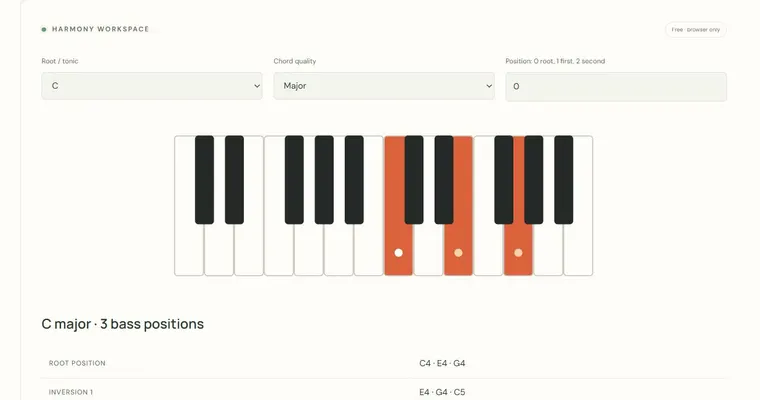
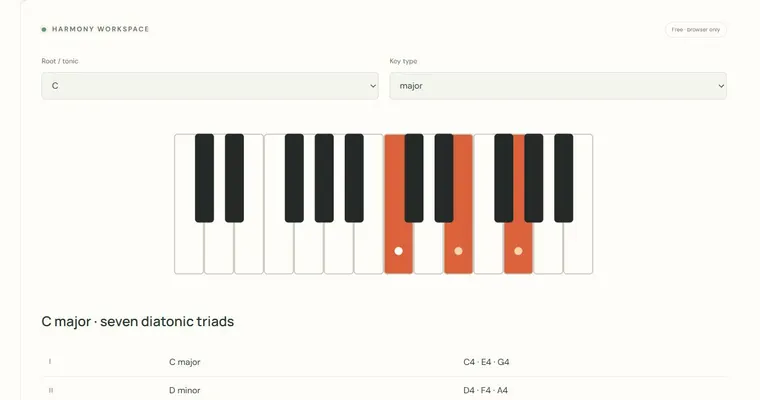
Select C, E and G. Those pitch classes form a major triad: the interval from C to E is four semitones, a major third, and from E to G is three semitones, a minor third. Adding a semitone above G would require a different pitch class, so the set C-E-G is a major triad, and the same major-third-plus-minor-third pattern starting on D gives D-F sharp-A. Verify the pattern on a physical instrument or in an external app.
A common wrong turn
Treating a missing result as proof that the chord cannot be played, or assuming the tool knows the bass note.
Try this instead: Remember the search uses only exact pitch-class matches in the published library. Try adding or removing a single note, then compare the result with a physical instrument. To study inversions, use the Inversion workbench, which compares root position and two inversions of a triad.
Where to go next — and why
This guide was drafted with Claude Haiku and edited against this tool’s implemented controls. Report a confusing instruction or incorrect example.