How to use midi sight-reading trainer
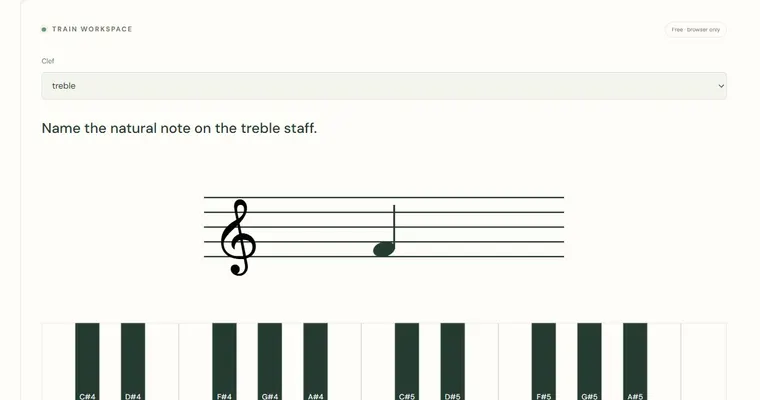
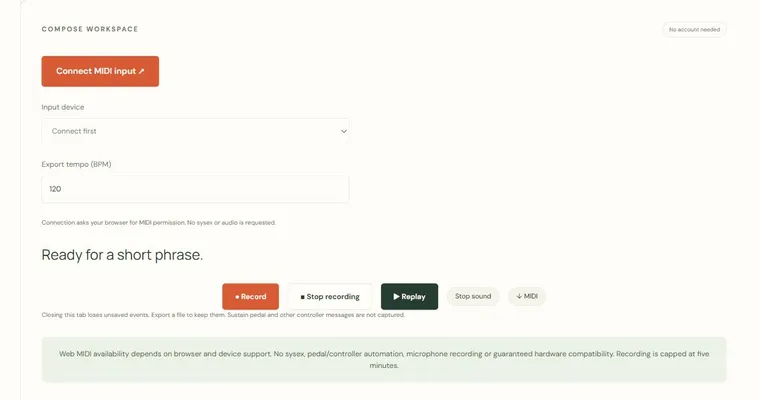
This single-note reading drill joins a written pitch to an actual keyboard response. Connect a MIDI input only when you want to use it, choose a clef and range, then press the requested note. Note-on messages with positive velocity count as attempts; releases and controller messages do not. Enharmonic written spellings map to the same piano key, but octave is checked. The on-screen keyboard remains available when Web MIDI is unsupported. This is a sequence of isolated notes, not a timed score-following or technique assessment.
Try a concrete example
F#4 requires MIDI note 66. Gb4 also maps to 66 in equal temperament, while F#3 is MIDI 54 and is a wrong-octave answer. Set Chromatic roots to include sharp and flat spellings.
Make a small practice task
Use a comfortable one-octave range first, then expand it. Read the octave before playing, and wait for Next question after checking the explanation.
Read the result carefully
Uses equal temperament and explicit written pitches. No account, teacher identity verification, secure exam proctoring or guarantee of learning. Local records and result receipts are editable by the device owner.
Work with the controls
- Choose treble or bass clef and written-note range
- Choose 1–50 questions and chord types
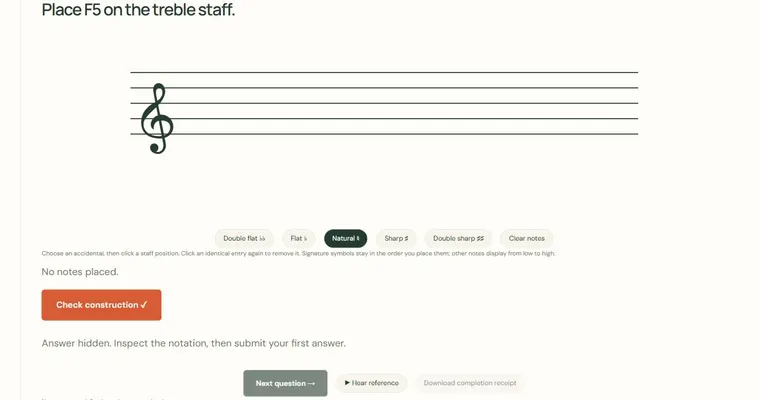
- Answer once, inspect the spelled-note explanation, then continue
- Keep optional local progress and XP
- Copy a repeatable configuration link; export a self-reported completion receipt
Use a short, repeatable task. Configuration links preserve the visible parameters and start a fresh session rather than sharing private scores. In an exercise, submit one first answer, inspect the revealed spelling and choose Next question. A completed set offers a self-reported receipt. Diagram exports and achievement summaries have their own controls above; they do not evaluate an acoustic performance.
Use the connected resources below to move from this experiment to a specific chord, scale or listening task. A diagram identifies pitches; a generated example gives you something to inspect and adapt. Neither is a prescribed fingering or an assessment of your physical technique.